
Getting started with Formi
Where everything is in Formi and where to begin.
Formi is your creative department: you request, the team creates, and everything is recorded in one place. Sign in at app.oformi.com.br with your email.
The menu
- Dashboard: a summary of what's going on.
- Requests: everything you've asked for, with status, deadlines, files and conversation.
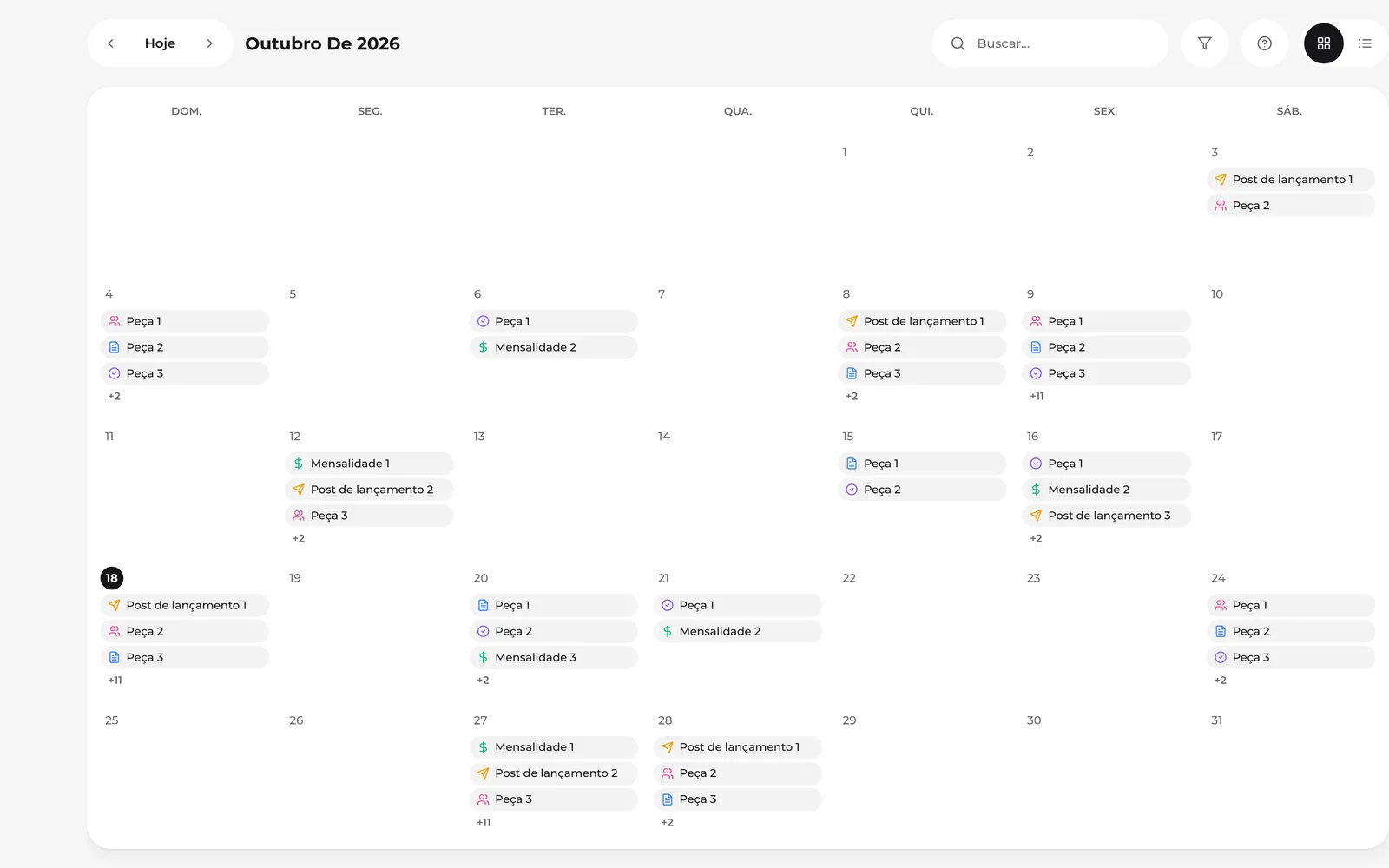
- Schedule: the calendar with deliveries, tasks, posts and charges.
- Finance: invoices, receipts and payments.
- Companies: details, brand identity, accesses, plan and contract for each company.
- Collaborators: who on your team has access, and invitations.
The "?" along the way
See a small ? next to a title? Hover (or tap) to read a short explanation. When there's a Learn more, it opens the full article in this Help Center.