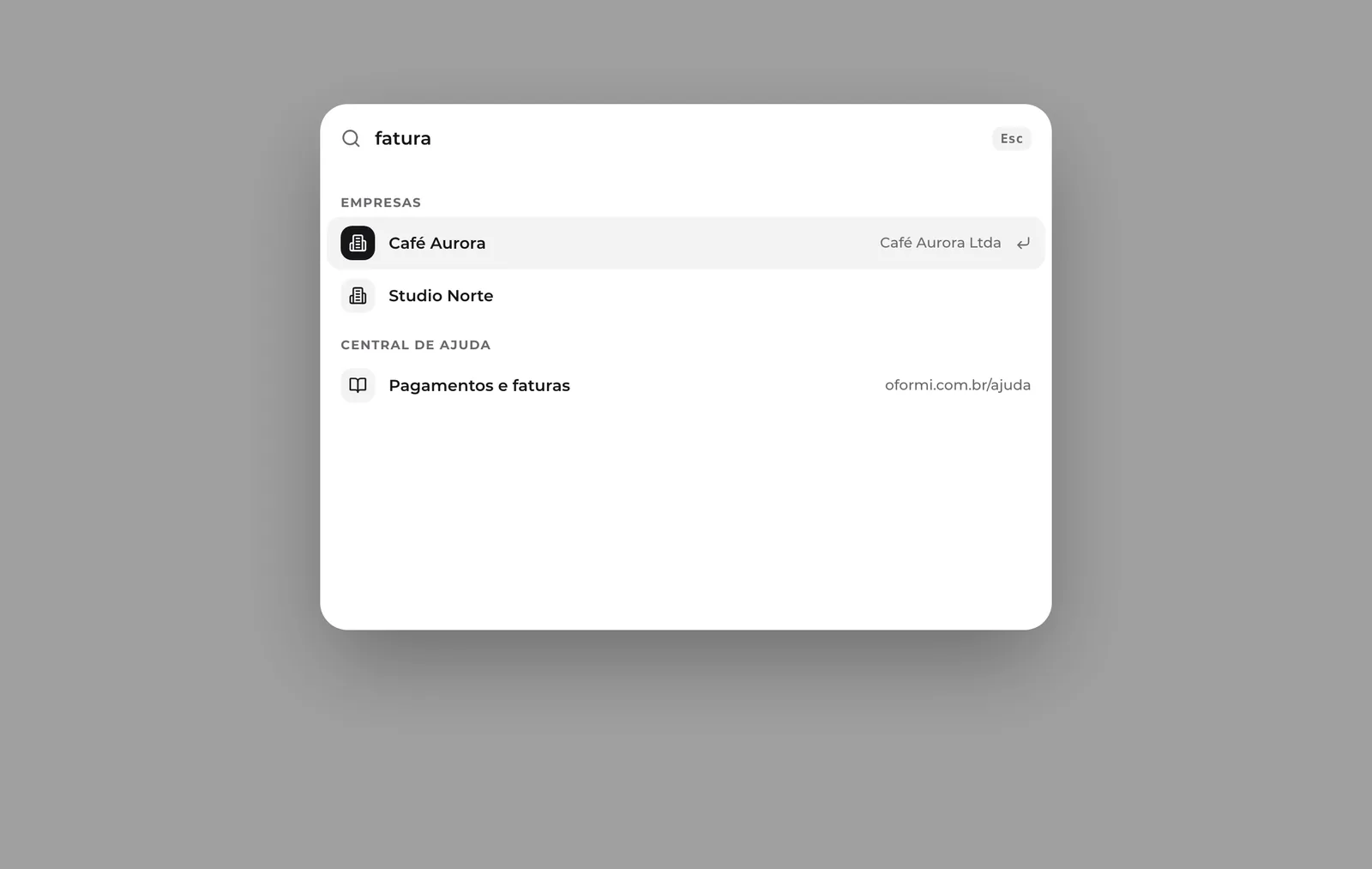
Global search (Ctrl+K)
Find requests, companies, people, brand identity, accesses and help articles with one shortcut.
On any Formi screen, press Ctrl + K (on Mac, ⌘ + K) and type what you're looking for. Use the arrows to choose and Enter to open.
What search finds
- Requests, companies and people you work with.
- Brand identity: type "identity", "colors", "logo" or "voice" (you can add the company name) and go straight to the brand's colors, fonts, logo and voice.
- Accesses: type "accesses" or "passwords" to open the company's logins and vault.
- Help Center articles, only the ones that make sense for you (client, partner or Autopilot).
- Quick actions: new request, ask FormiAI, my account, profile and portfolio, support chat and light or dark theme.
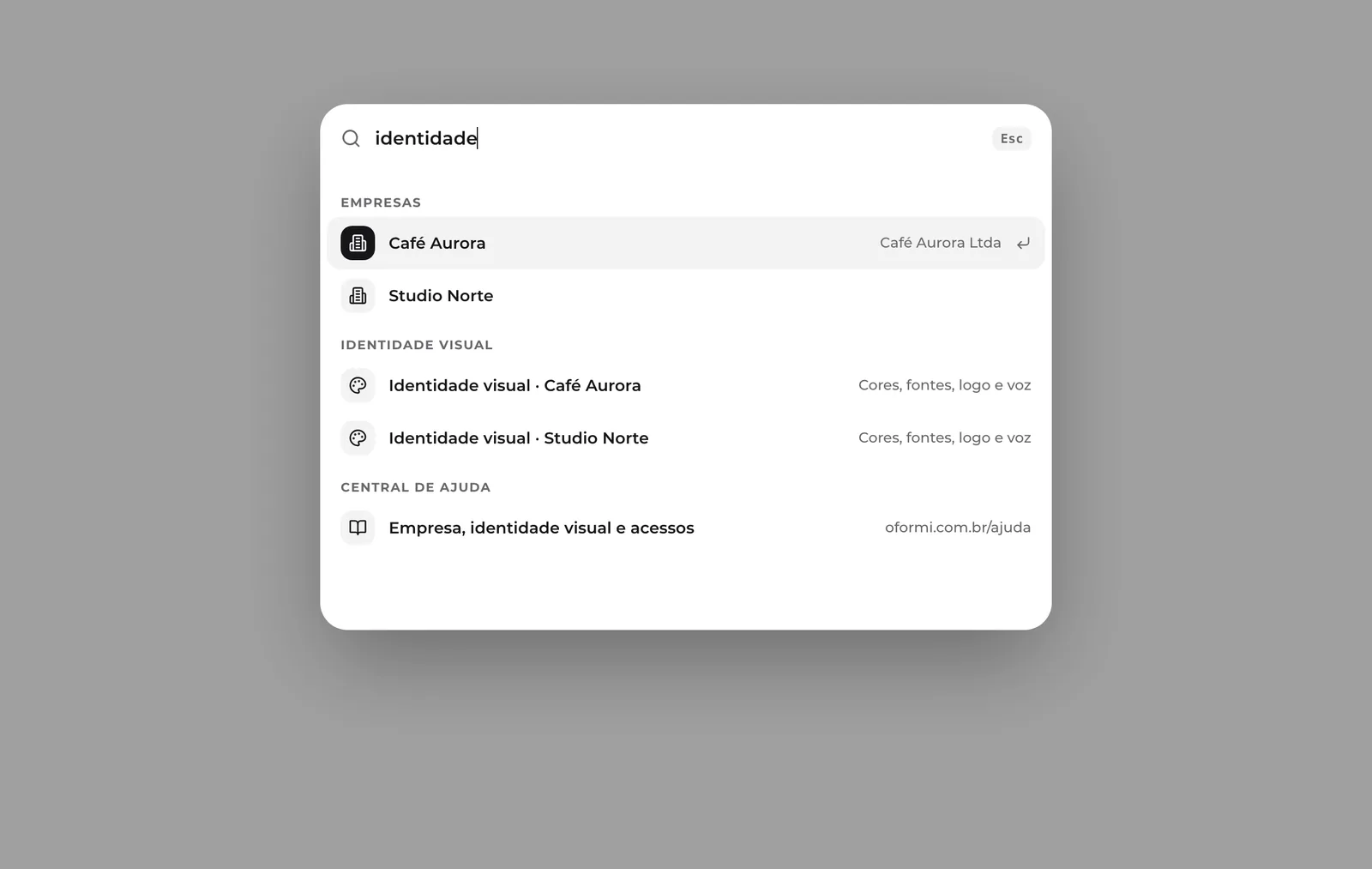
Security: search only shows what you can already see in Formi. Accesses and the vault stay protected by the company's permissions.