
Request status and deadlines
What each status means and who moves the request from one stage to the next.
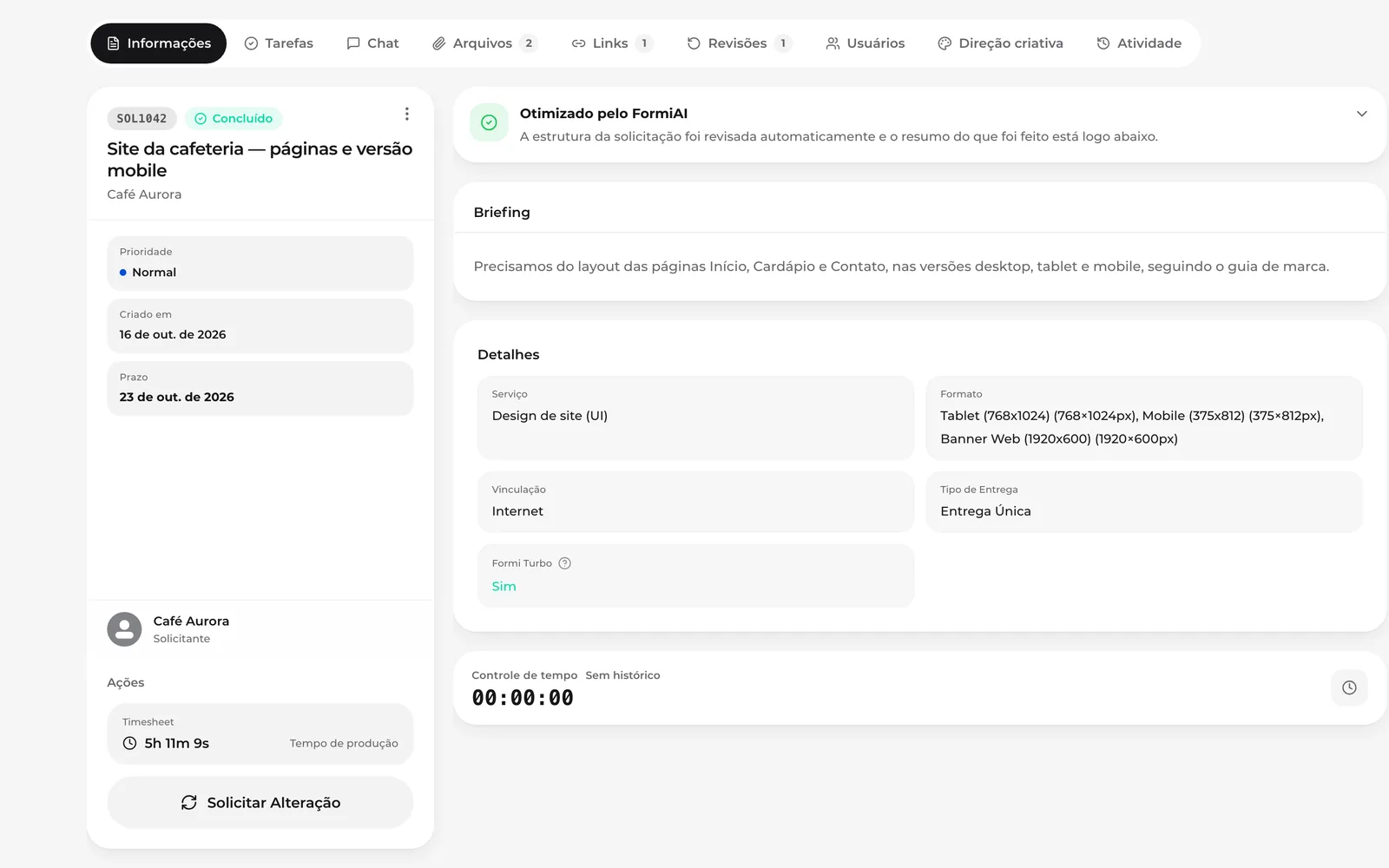
The statuses
- Under review: the team is reading the request.
- In preparation: approved, entering the production queue.
- In production: the creative is working on it.
- Awaiting approval: the delivery is ready and Formi's creative direction is checking it.
- In revision: a change request is being done.
- Extended: the deadline was extended.
- Awaiting payment: there's a charge before starting (see Plan and limits).
- Completed: delivered. The final files are released.
- Cancelled.
The tabs
Information, Tasks, Chat, Files, Links, Revisions, Users and Activity (the history of everything that happened). The chat closes after completion; to change something, use Request a change.
Delivery and task deadlines also appear in the Schedule.