
Talk to us in the chat
The chat bubble on the website and in the app: who replies, attachments and how not to miss the answer.
On every Formi website and inside the app there's a chat bubble in the corner of the screen (in the app, also through your account menu → Support chat, or Ctrl + K).
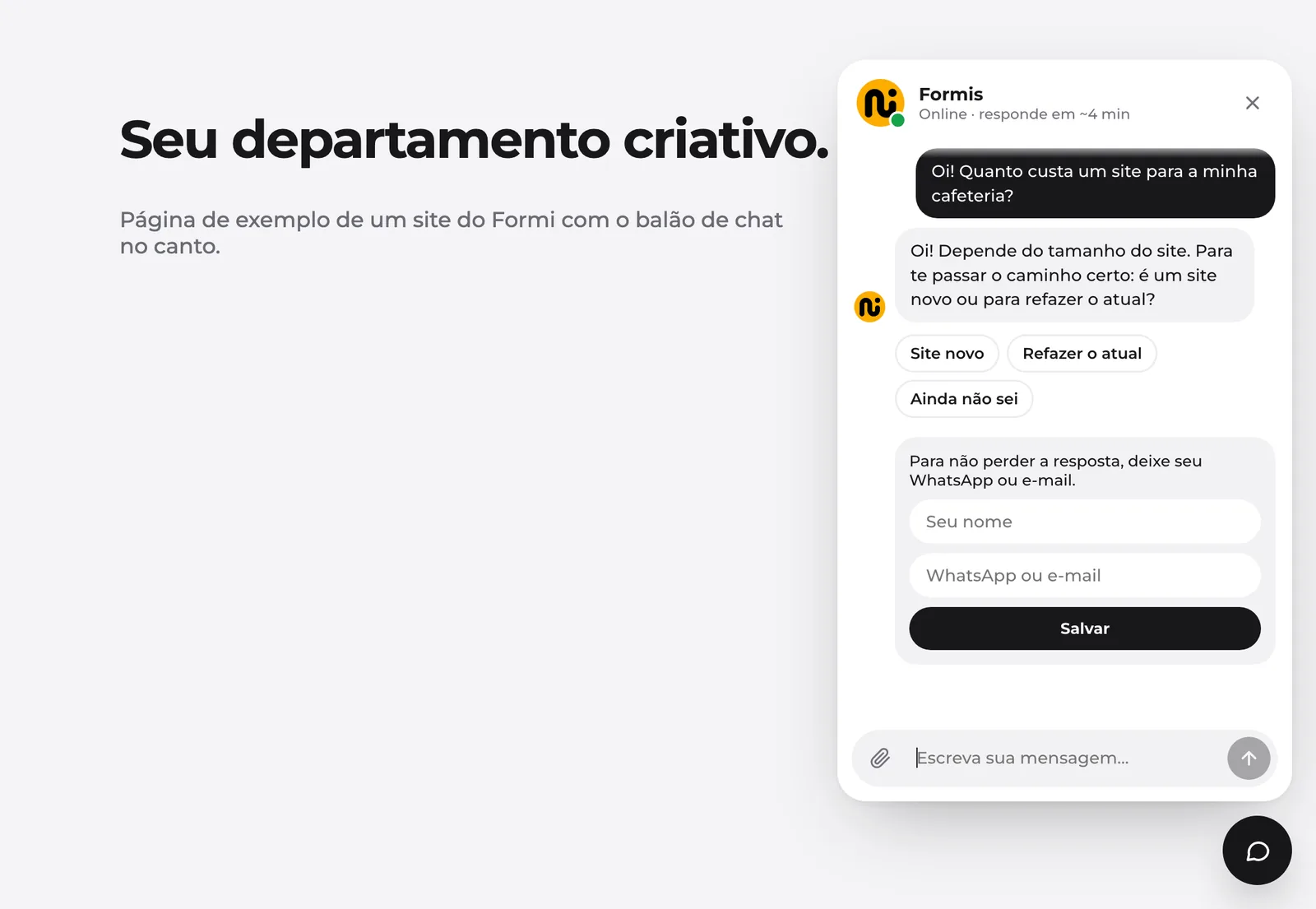
- At the top you see who's in the conversation: Formis, Formi's assistant, or the team member who took over, with photo and name.
- When a question has simple answers, options to tap appear.
- Use the paperclip to send files (up to 8 MB).
- After the first reply, leave your WhatsApp or email: if you leave the website, we'll let you know when there's an answer.
- Signed in to the app, the conversation is already linked to your account and history.