
Autopilot: approve, correct and publish
You choose how much to review: everything, only topics, only content or nothing.
In the Autopilot step at the start (and later in settings) there are four switches:
- Monthly planning: Autopilot builds the month's topics by itself.
- Review topics: you approve, reject or ask for changes on each idea before creation.
- Review content: you see each finished piece before it's published.
- Publish automatically: whatever is approved goes out on the scheduled date, without you.
Reviewing a topic
In the Schedule, tap the topic. Content shows the format, title and planned caption. Click Approve and produce for Autopilot to create the piece, or write in the adjustment field and send it so the topic is redone. With no answer by the deadline, the topic moves on to production.

Reviewing a piece
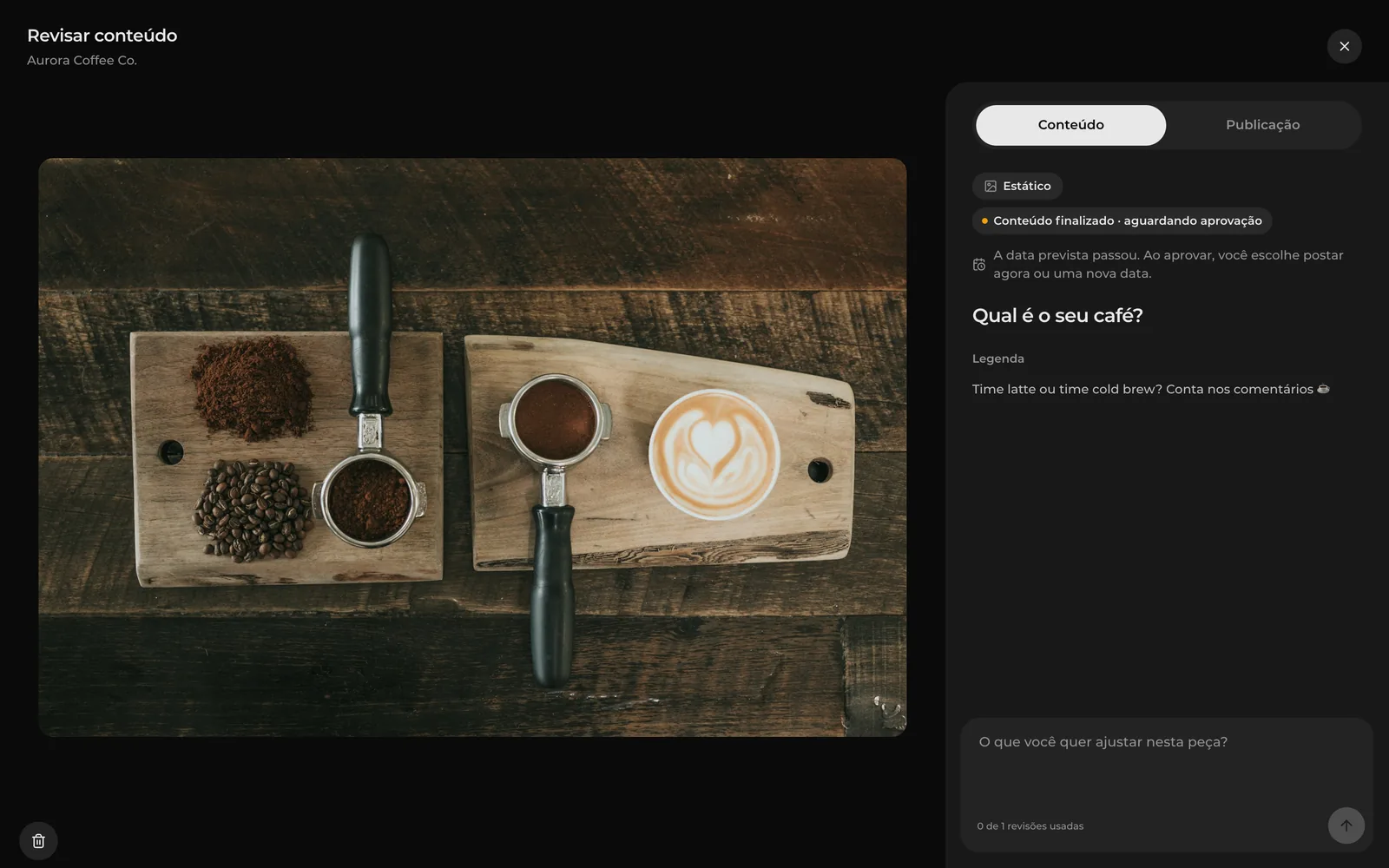
- Approve content: it goes out on the planned date. If the date has passed, you choose Post now or Schedule post on a new date.
- Ask for a correction: write what to change in the field next to the piece and click Reject (or send it from the field itself); Autopilot redoes it. Each plan has a number of corrections per piece (Start 1, Pro 2, Premium 3), and the field shows how many were used.
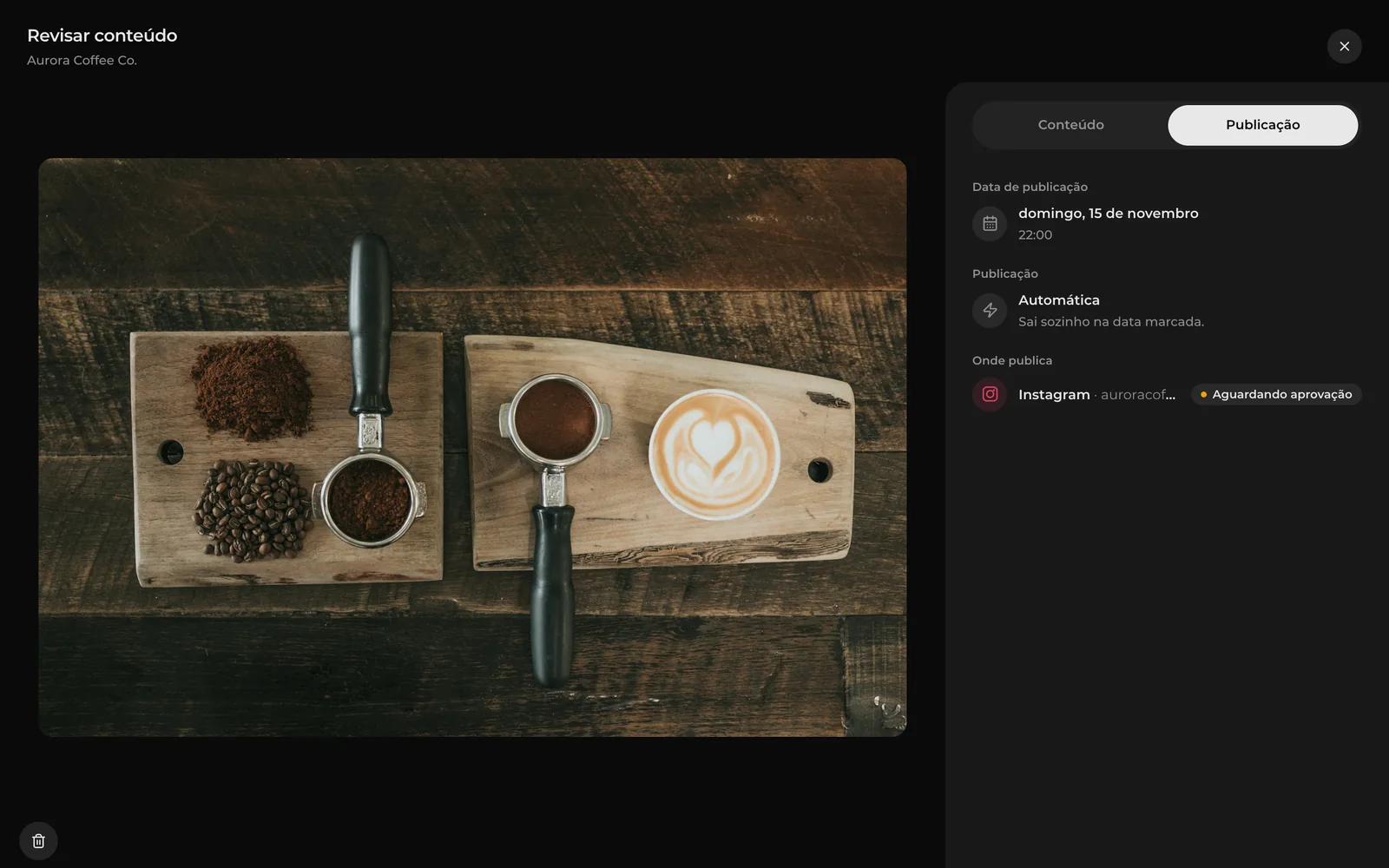
The Publishing tab shows the publishing date, whether it's automatic or manual and the networks where the piece goes.
Commercial information (prices, promotions, promises) only goes in when you provide or approve it.