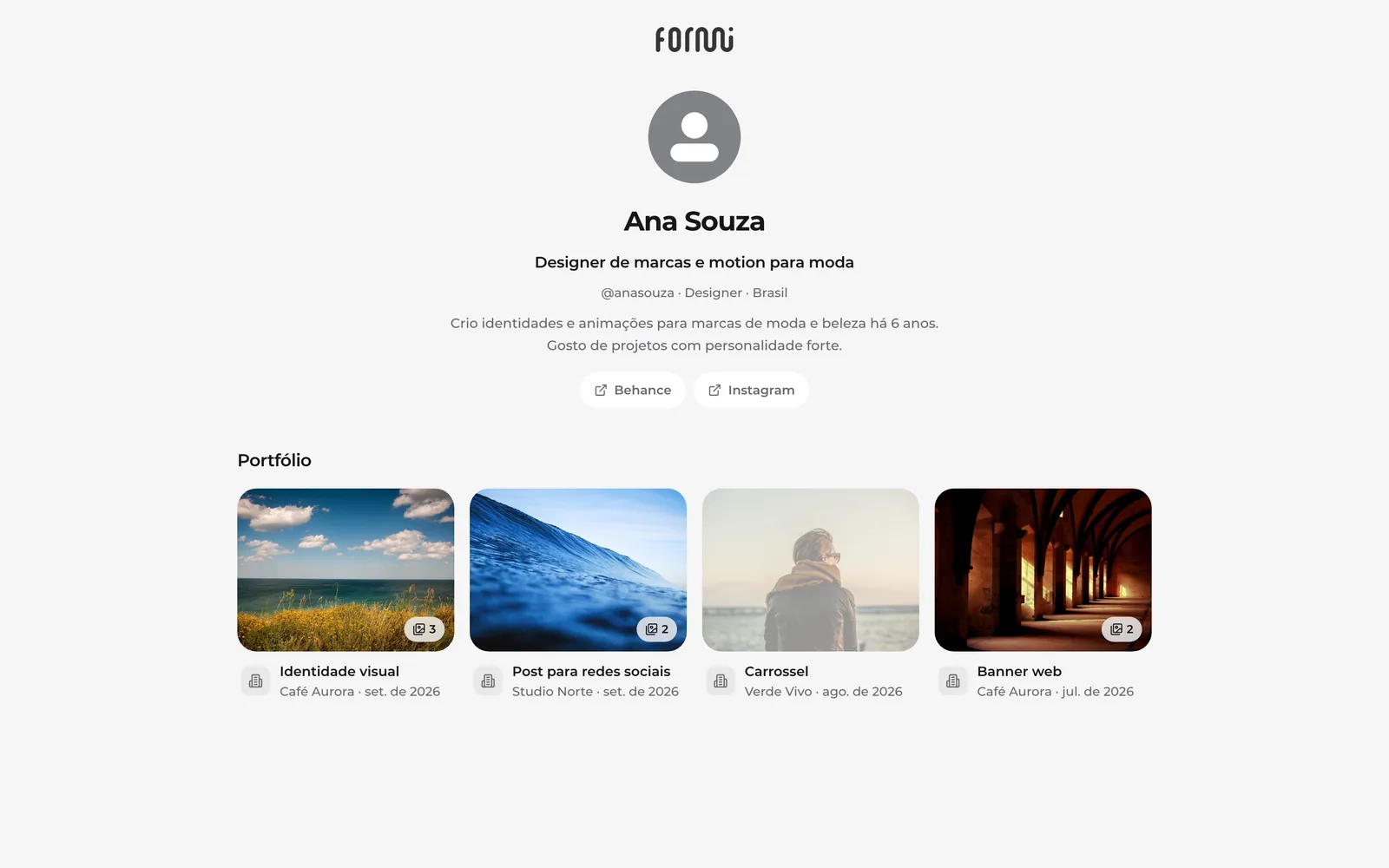
Profile, portfolio and privacy
Your introduction, links and the portfolio built from your deliveries, and who can see it.
Everyone in Formi has a profile. To open yours, click your name in the menu and choose Profile and portfolio (or search with Ctrl + K).
Edit your profile
- On your profile, click Edit profile.
- Choose who sees your profile (see below).
- Write a short headline and an about you text.
- Add up to 8 links (Behance, Instagram, website…) and click Save.
Who can see it
- Public: anyone, even signed out, through the link app.oformi.com.br/p/@your-username. You also show up in search for people using Formi.
- Related (the default): only people who work with you on the platform, in the same company or the same request.
- Private: no one but you and the Formi team.
Always hidden: your email, phone and requests never appear on the public profile.
Partner portfolio
The portfolio builds itself: every completed request where you were the partner becomes a project, with the final delivered pieces (images and videos), the service, the company and the date.
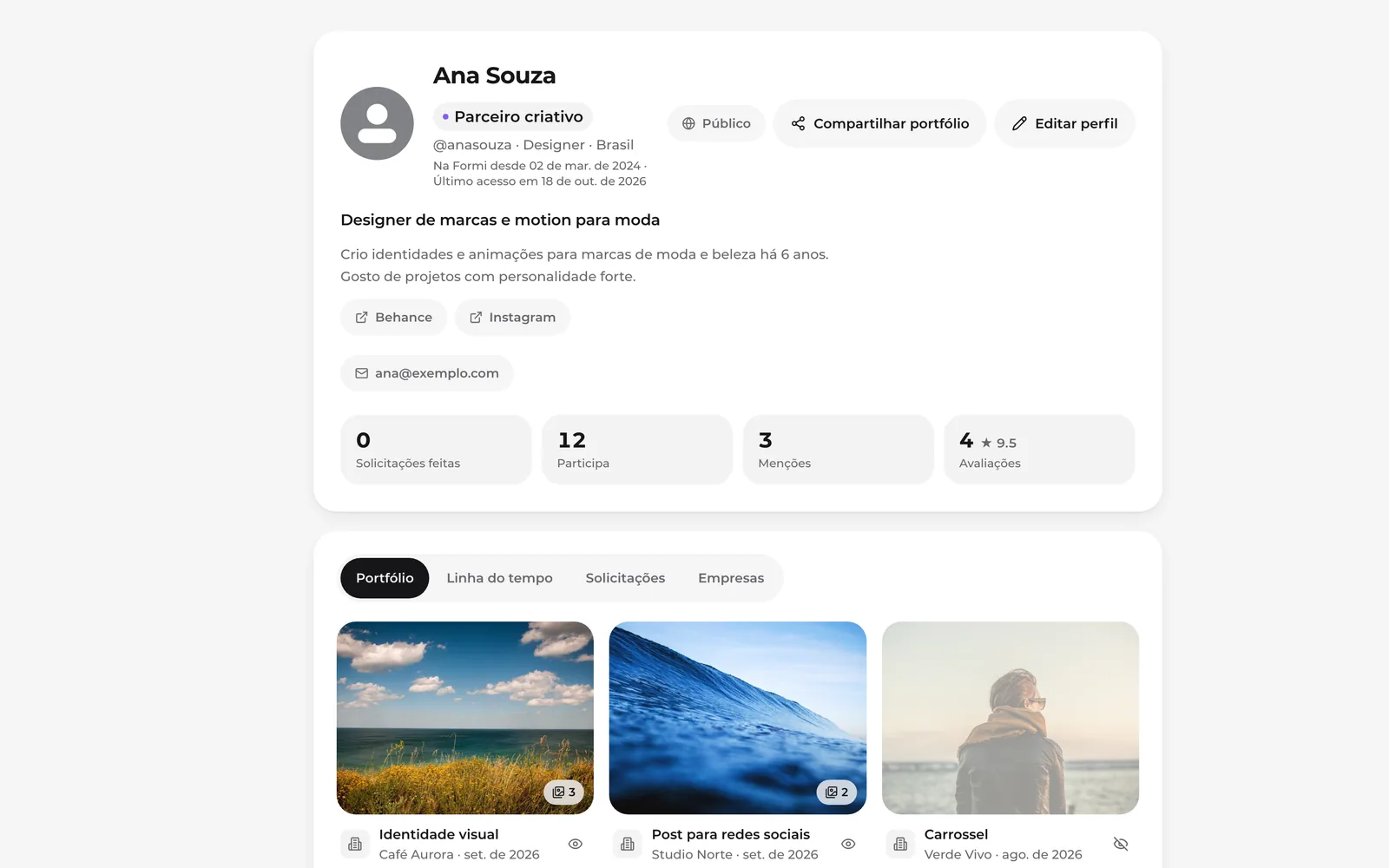
- Don't want to show a project? Tap the eye on the card to hide it (and again to show it).
- To send it to someone, use Share portfolio: it copies the public link (the profile must be Public).
- Only projects from companies that allow showing deliveries are included. Every company allows it by default; those who don't want it turn it off in Plan & Contract → Contracts → Show deliveries in portfolios (clause 6.1 of the contract).